
Hexaly Studio 14.0

Discover the latest features in Hexaly Studio 14.0, our Low-Code Optimization Studio for developing, debugging, and running optimization applications.
What’s new
- Tabs Widget: You can now group together widgets and organize them by tabs to better customize your dashboards.
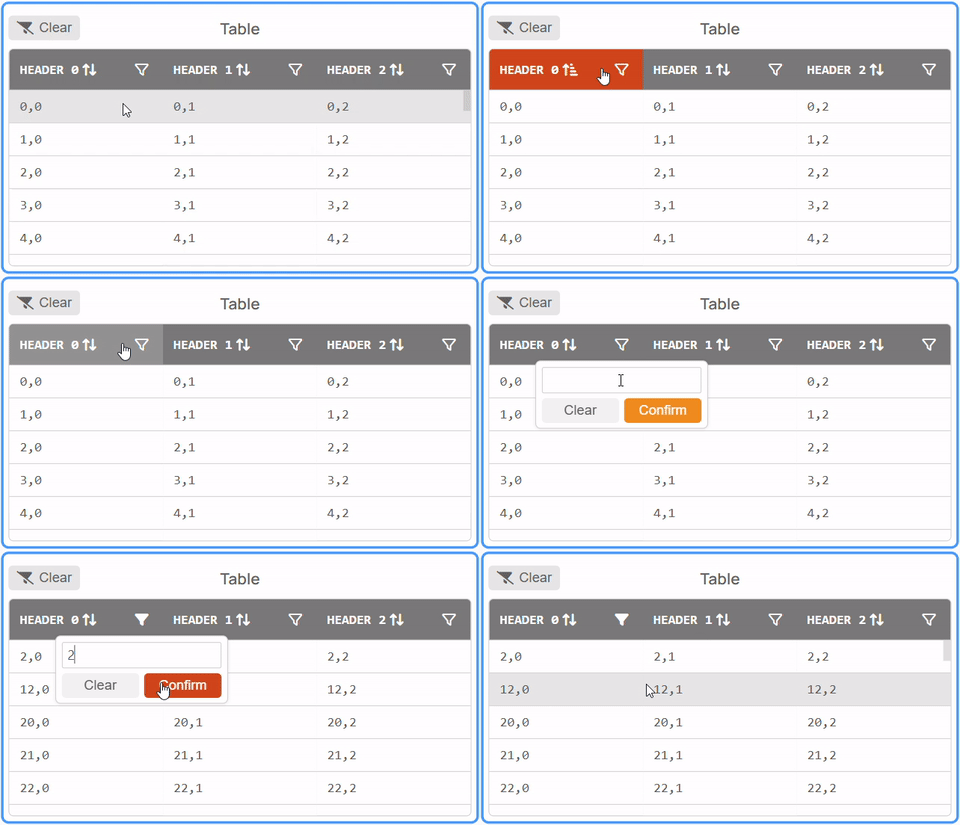
- Table Widget: The table widget has been redesigned with a fresh new look and powerful new capabilities including sorting, filtering, and improved performance through infinite scroll for handling large datasets.
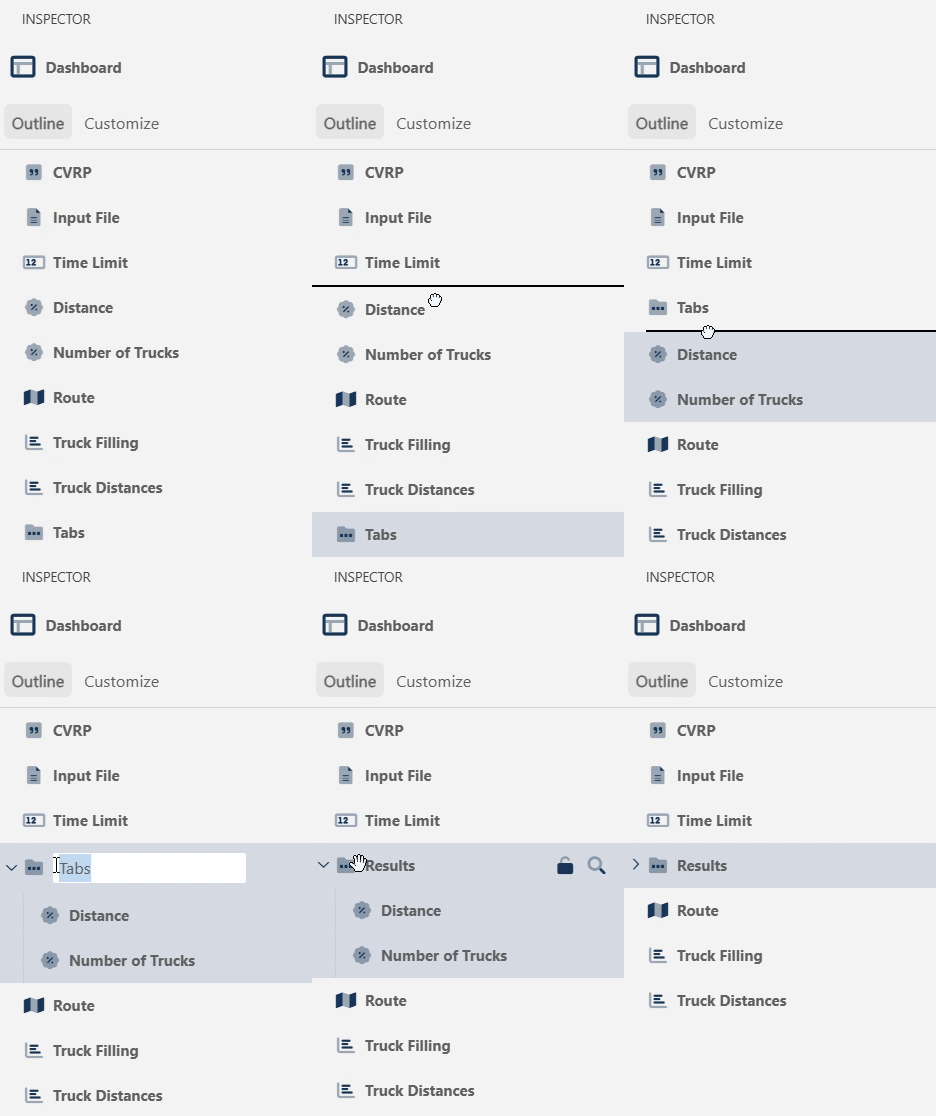
- Dashboard outline: The Inspector now has a dashboard-wide view with a concise outline of all widgets present on your dashboard.
- Color palettes: You can now select a color palette that is automatically applied to all charts and maps on your dashboard.
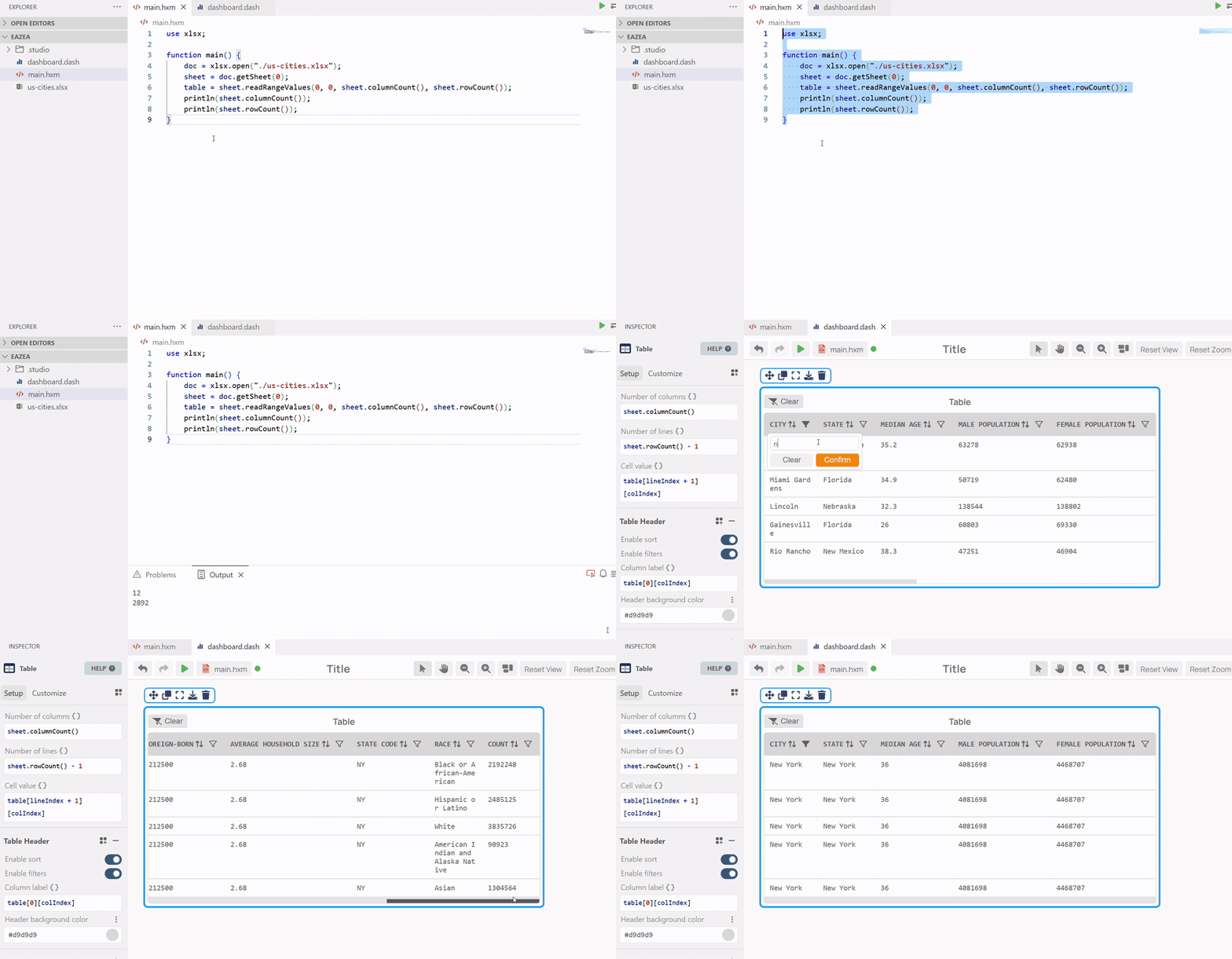
- XLSX Module: The new XLSX module is now available for import in the studio, allowing you to read and write Excel files.
- Debugger: Hexaly Studio now includes an HXM debugging tool for in-depth testing.
- Performance improvements: Your dashboards should be running smoother than ever with our latest performance improvements, particularly when rendering graphics with large datasets such as charts and maps.
Tabs Widget
The new Tabs widget allows you to group together widgets by tabs. Simply drag and drop widgets in and out to create cleaner, better organized dashboards.
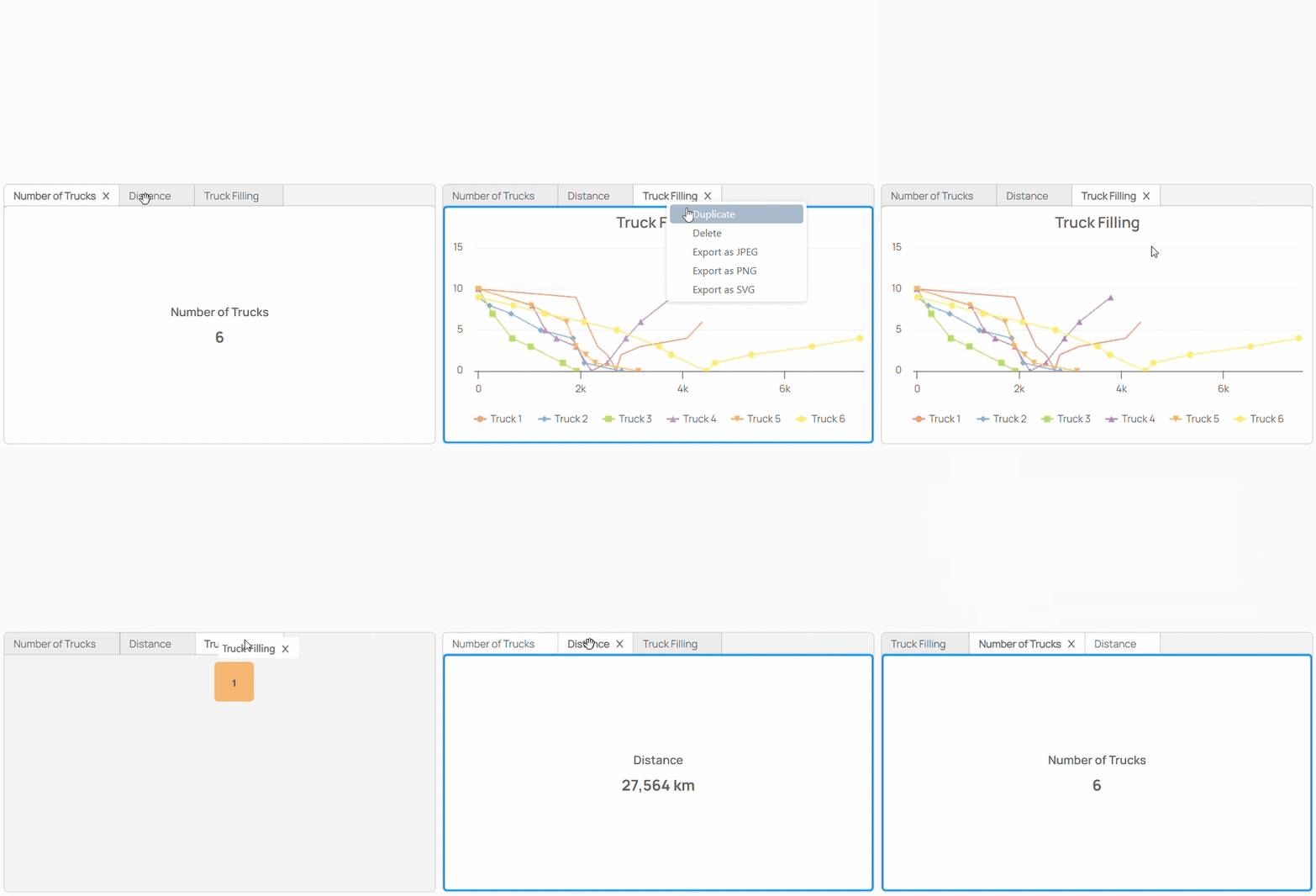
Table Widget Enhancement
The Table Widget has been updated with a new design and enhanced functionalities. It now supports sorting and filtering capabilities, along with infinite scroll for improved performance when handling large datasets.
Sorting and filtering features are integrated into the table headers and can be disabled when not needed. Note that table headers are required to use these functionalities. Other features such as table style customization and conditional formatting remain available.
Dashboard Outline
The Inspector has a new outline view which displays all your widgets in a concise list with tailored features for quick and easy modifications.
- Drag and drop widgets to Reorder and Group them together
- Update the widget Title by double clicking on it in the outline
- Lock individual widgets to prevent modification
- Inspect widgets and center them on your dashboard
XLSX Module
The new XLSX Module is now available for import, providing native support for Excel files directly within Hexaly Studio. This allows you to :
- Import and read Excel files (.xlsx) directly in your hxm programs.
- Create new Excel files.
- Write and update cell values in existing Excel files.
For detailed usage instructions and examples, please refer to the XLSX module documentation.
HXM Debugger
Get in-depth insight into your HXM code and optimization models using the new debugger.
Easily accessible through the Activity Bar, the debugger provides familiar tools including breakpoints, step controls, and variable inspection to better analyze your code.
Ready to start?
Discover the ease of use and performance of Hexaly through
a free 1-month trial, or enjoy free academic access.