
Hexaly Studio 15.0

Discover the latest features in Hexaly Studio 15.0, our Low-Code Optimization Studio for developing, debugging, and running optimization applications.
What’s new
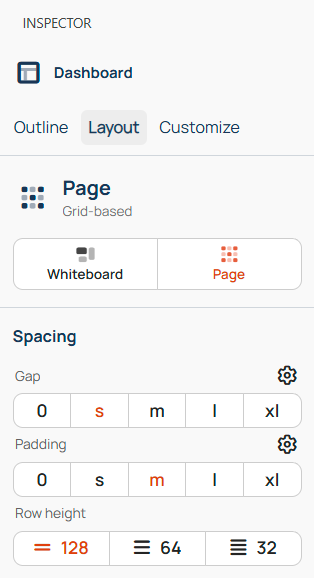
- Dashboard Layouts: Dashboards now support two layout modes: Whiteboard and Page.
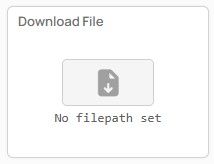
- Download File Widget: Make a workspace file available for download from your dashboard.
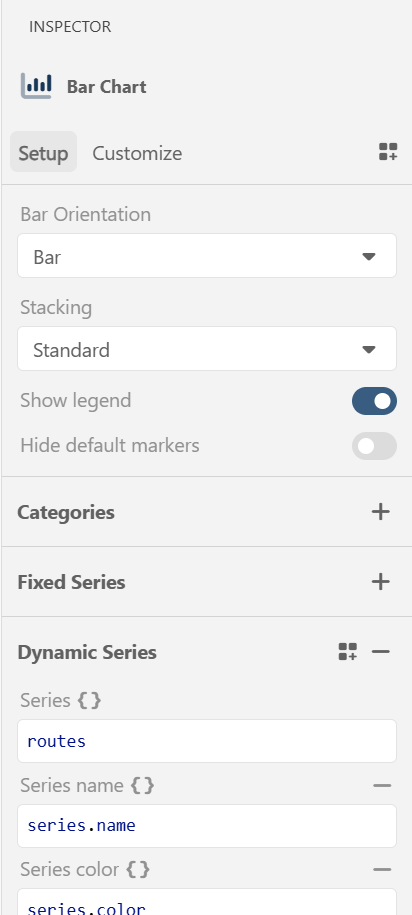
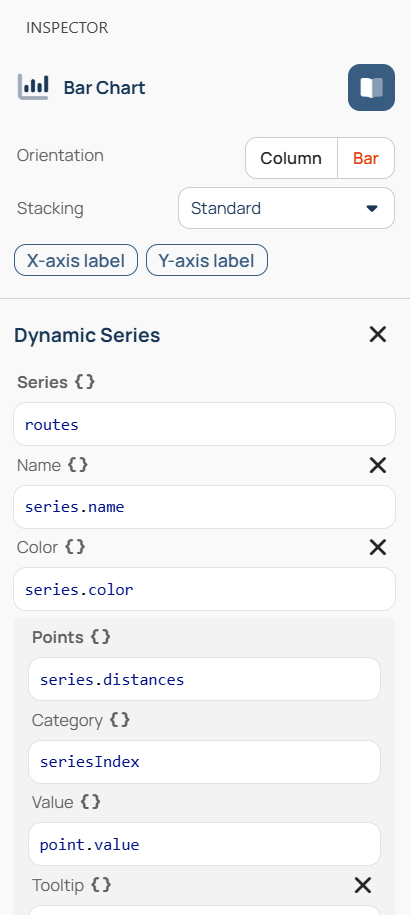
- Updated Inspector: Configure dashboard items more easily with the streamlined Inspector.
Dashboard Layouts
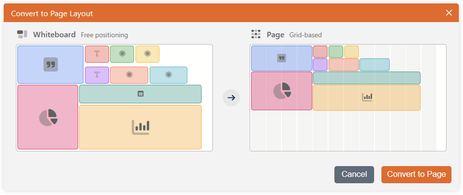
Dashboards now support two layout modes. Whiteboard is the free-form canvas you already know, where you can position and resize widgets freely. Page mode uses a 12-column grid. Widgets snap into place, while surrounding widgets automatically make room as you drag or resize a widget, keeping your dashboard organized.
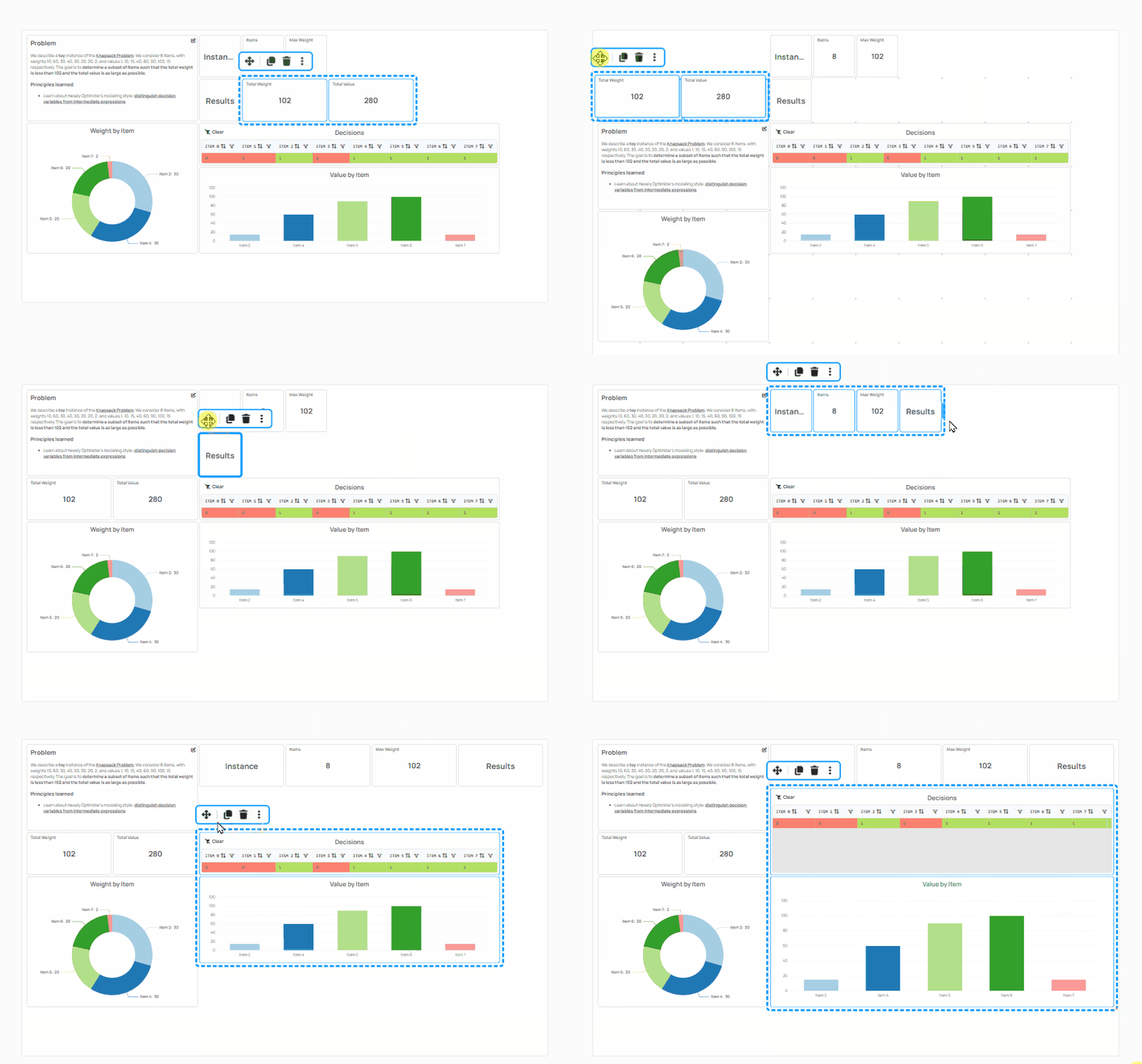
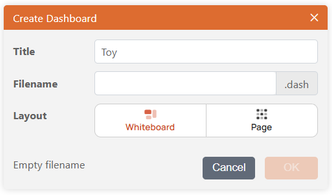
Choose a mode when creating a dashboard, or convert an existing dashboard at any time. You can preview the result before applying the change.
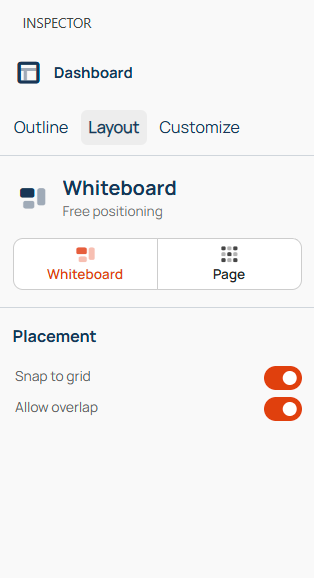
To switch modes, open the Inspector’s new Layout tab, where you will also find each mode’s specific settings.
Download File Widget
The new Download File widget lets you make a workspace file available for download directly from your dashboard. Use it to share output files, reports, or other files produced by your model.
Updated Inspector
The Inspector has been simplified and centralized. For items, the “Customize” Inspector tab is now merged into the “Setup” tab for richer configuration options. Optional fields can be added in one click, fields are grouped in hierarchical order, and you can now name group array fields.
Ready to start?
Discover the ease of use and performance of Hexaly through
a free 1-month trial, or enjoy free academic access.